Putaway
Everything you receive lands in the depot’s STAGING location first. Putaway moves it onto the shelf. Until it is put away, stock counts as available but cannot be picked, so orders for it will not make it into a pick wave.
Where to find it: Warehouse > Putaway Who can use it: you need the “Put received stock away into locations” permission.
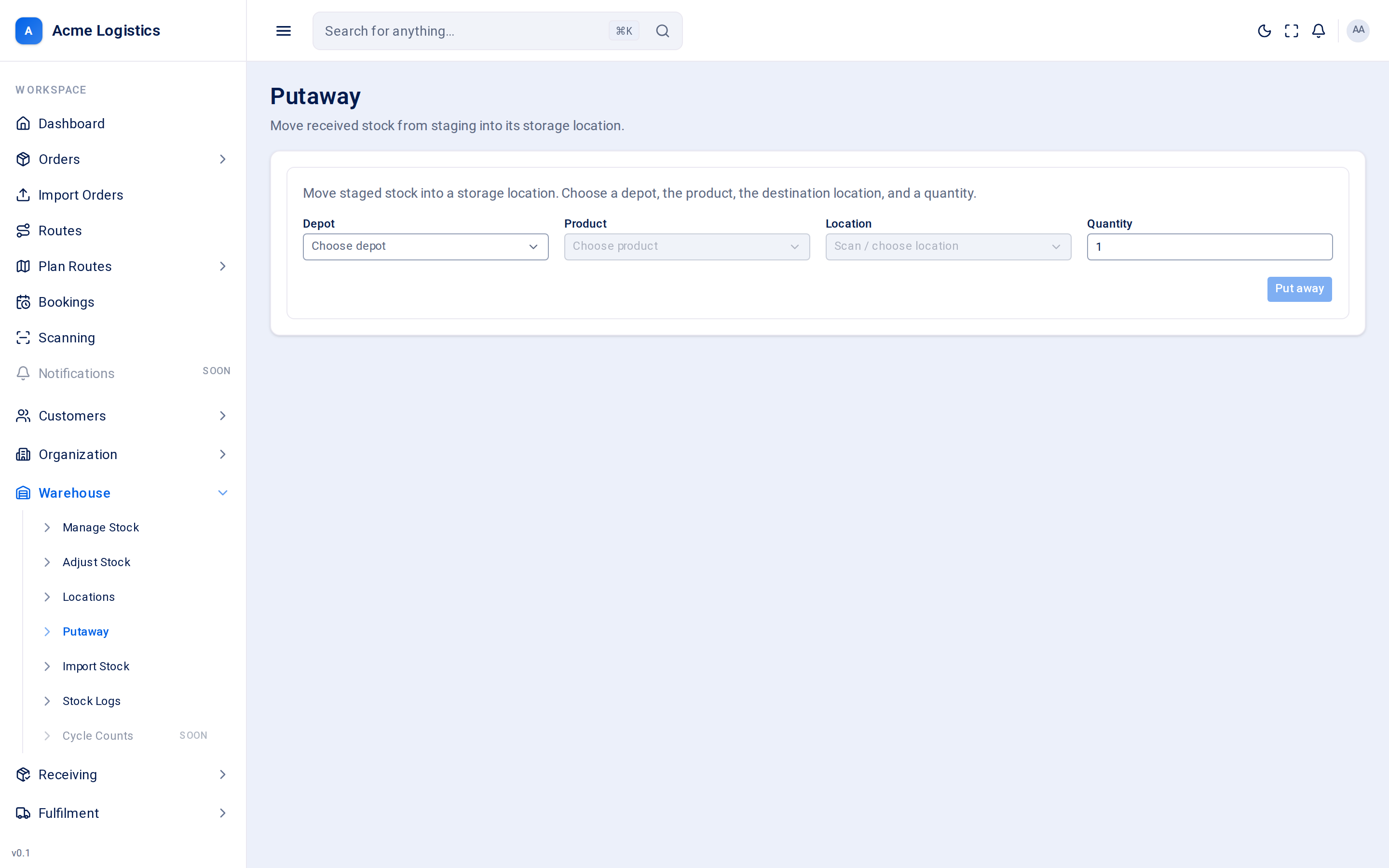
Screenshot coming soonThe putaway form with depot, product, location and quantity
When you use this
Section titled “When you use this”- After a truck has been received, to clear the staging area.
- After a CSV stock import, which also places stock in staging.
Fields
Section titled “Fields”| Field | What it means | Required | Why it matters |
|---|---|---|---|
| Depot | The depot you are working in. | Yes | Changing it clears the product and location. The choice is kept in the page address. |
| Product | The product you are putting away, shown as its code and its available quantity at this depot (“avail”). | Yes | The quantity shown is the depot’s Available stock, not what is in staging - some of it may already be on the shelves. |
| Location | Where the stock is going. Only storage locations in the chosen depot are offered. | Yes | Picking only takes stock from storage locations marked Pickable, so this is where orders will be picked from. |
| Quantity | How many units to move. Starts at 1. | Yes, 1 or more | You cannot put away more than is sitting in staging for this product; the move is refused if you try. |
Buttons and actions
Section titled “Buttons and actions”| Action | What it does |
|---|---|
| Put away | Moves the units from STAGING to the chosen location. Available, Assigned and the other buckets do not change - only where the units sit. Logged in the stock log as a “putaway”. |
Units still waiting for a box
Section titled “Units still waiting for a box”A product with box barcodes can have units in staging that are still missing a box (incomplete units). You can put them away like any other unit:
- Complete units go first. An incomplete unit only moves when there are not enough complete units in staging for the quantity you put away.
- An incomplete unit is never sent to a picker. Its line on the pick wave is short and reads, for example, Waiting for box 2 of WARD-2D (the box and the product code) until that box arrives.
- When the missing box arrives, the receive screen shows Put with and the location of its unit. Put the box there, so all of a unit’s boxes share one location. This holds for any box that joins a unit already put away, even when the unit still waits for another box.
- When the boxes of one scan belong to units in more than one location, the screen shows one line per location with the number of boxes for it, for example Put 2 with B-03 and Put 2 with B-07.
- When only some of the boxes you scanned go to one location, the screen shows the count there too, for example Put 1 with B-03. The other boxes stay at staging.
When putaway is refused
Section titled “When putaway is refused”| Message | Why |
|---|---|
| Insufficient placement stock for product … at depot …: N requested. | The quantity is more than is in STAGING for this product at this depot. Check the stock breakdown to see how much is staged. |
| Cannot put stock away into the staging location. | You chose the STAGING location itself as the destination. |
Tips and common mistakes
Section titled “Tips and common mistakes”- Put stock away soon after receiving. Orders can be allocated against staged stock, but the wave will not find anything to pick.
- If the location you want is missing from the list, check that it is a storage location in this depot on Locations.
- Stock booked in with Stock in on Adjust stock goes straight to the location you choose and does not need putting away.