Retailers
A retailer is a brand a customer delivers for - the shop the recipient actually bought from. A delivery company working for several furniture shops, for example, would be your customer, and each shop would be one of its retailers. Retailers are different from suppliers: a supplier sends goods to you, a retailer is the brand behind the delivery.
Where to find it: Customers > Retailers for every customer’s retailers in one list; a customer’s own Retailers tab to add and edit them. Who can use it: you need permission to view customer suppliers to see retailers, and to manage customer suppliers to add, change or archive them. Retailers share the supplier permissions.
When you use this
Section titled “When you use this”- A customer starts delivering for a new brand.
- You want orders to record which brand they are for.
- A brand stops trading and should no longer be offered on new orders.
The Retailers list
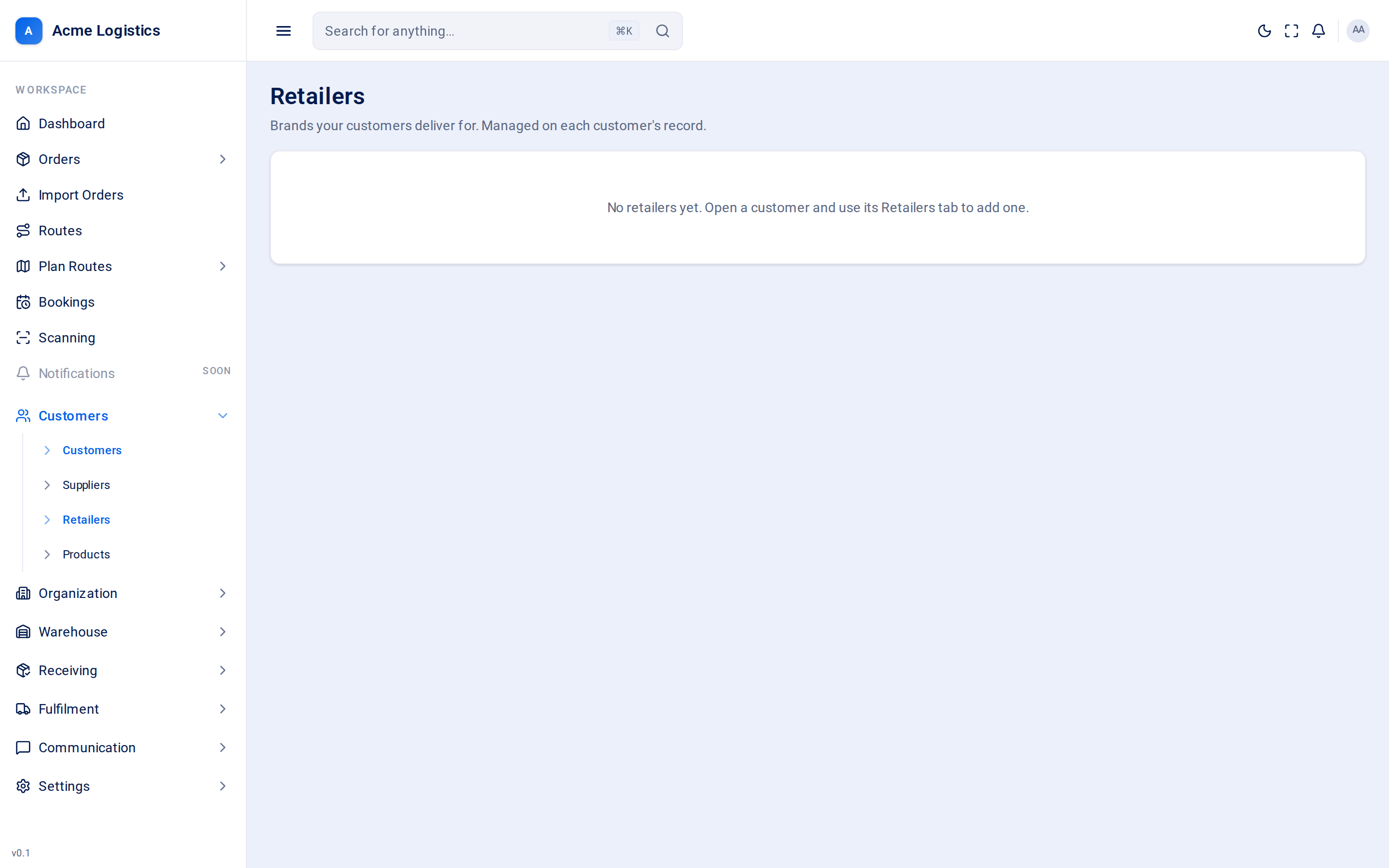
Section titled “The Retailers list”“Brands your customers deliver for. Managed on each customer’s record.” This list is read-only.
| Column | What it means |
|---|---|
| Retailer | The brand’s name. |
| Customer | The customer it belongs to. Click it to open that customer. |
| Code | Your reference for the brand, or “-”. |
| Status | Active (can be chosen on new orders) or Hidden. |
If there are none yet, the list says to open a customer and use its Retailers tab.
On a customer’s Retailers tab
Section titled “On a customer’s Retailers tab”| Action | What it does |
|---|---|
| New retailer | Opens the retailer form. |
| Pencil | Edits that retailer. |
| Archive | Archives the retailer straight away. It disappears from the lists. |
The retailer form
Section titled “The retailer form”| Field | What it means | Required | Why it matters |
|---|---|---|---|
| Name | The brand’s name, for example “Alpha Furnishings”. | Yes, up to 255 characters | Shown in the retailer list on this customer’s orders. |
| Code | Your own reference for this brand, if you use one. | No, up to 60 characters | For your own matching and reports. |
| Selectable on new orders | On means the brand can be chosen on this customer’s new orders. | - | Switch it off to retire a brand without deleting it. The list shows it as Hidden. |
Add retailer (or Save retailer when editing) saves it; Cancel closes the form.
Tips and common mistakes
Section titled “Tips and common mistakes”- To stop offering a brand on new orders but keep it in your lists, switch off Selectable on new orders instead of archiving it. You can switch it back on later; there is no button to undo an archive.
- Retailers are per customer. Two customers delivering for the same shop each need their own retailer entry.
Related
Section titled “Related”- Customer details - the Retailers tab
- Suppliers