Cycle counts
Cycle counts will let you plan regular counts of your locations and reconcile the differences against the stock log. This screen is not available yet: it shows a placeholder.
Where to find it: Warehouse > Cycle Counts (marked as coming soon in the menu) Who can use it: you will need the “Perform cycle counts” permission.
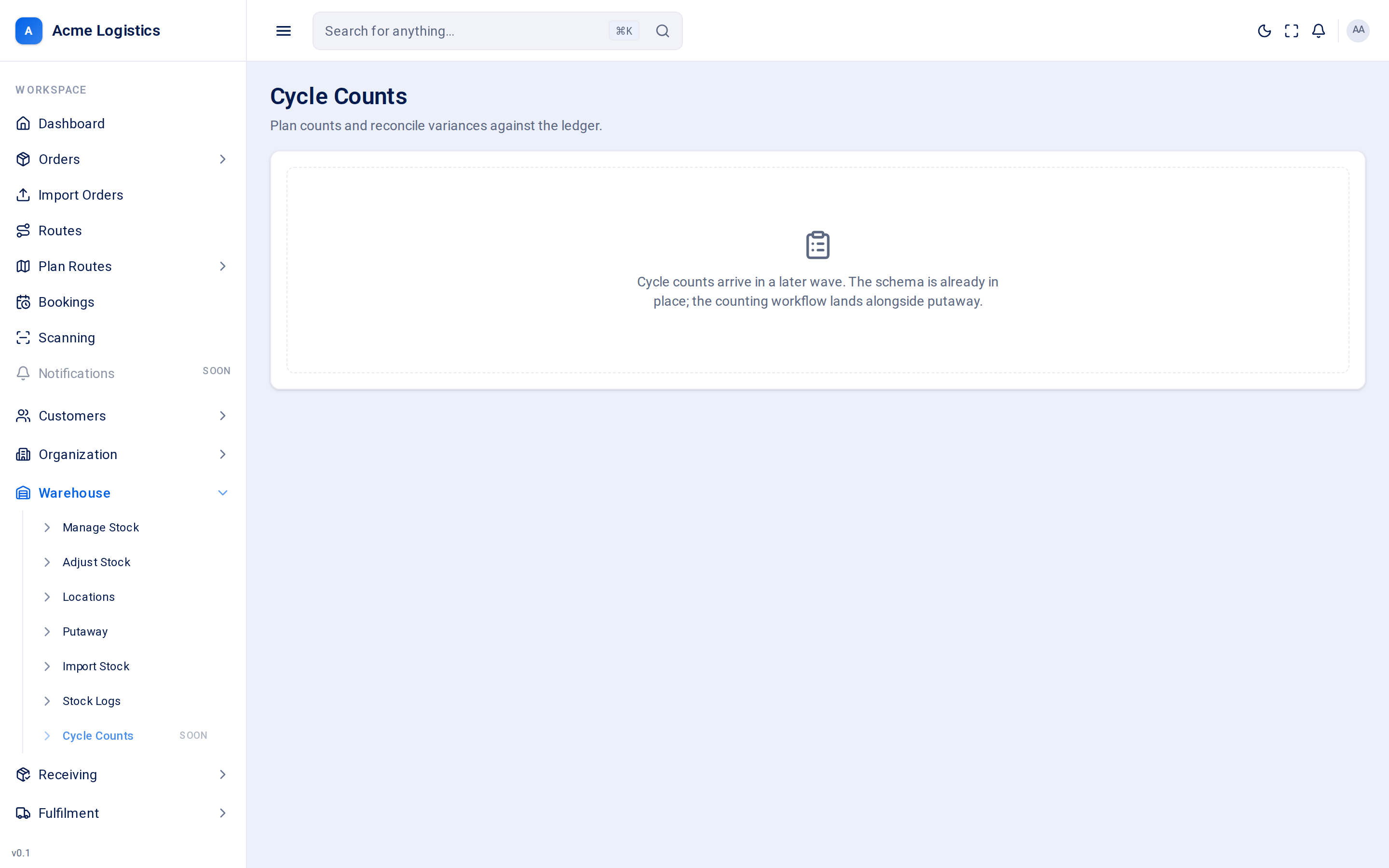
Screenshot coming soonThe cycle counts placeholder screen
Counting stock today
Section titled “Counting stock today”Until cycle counts arrive, count a location and correct it by hand:
- Open Adjust stock and choose the customer and SKU.
- Next to the location you counted, click the pencil icon.
- Choose Correct a count, type the quantity you counted in Actual quantity, and keep the reason Physical stock count.
- Click Apply adjustment.