Customers list
A customer is your client: the business whose goods you store and deliver. Every order, product, supplier and manifest belongs to one customer, so this list is where most customer work starts.
Where to find it: Customers > Customers Who can use it: you need permission to view customers to open this list, and permission to manage customers to add, edit or archive one.
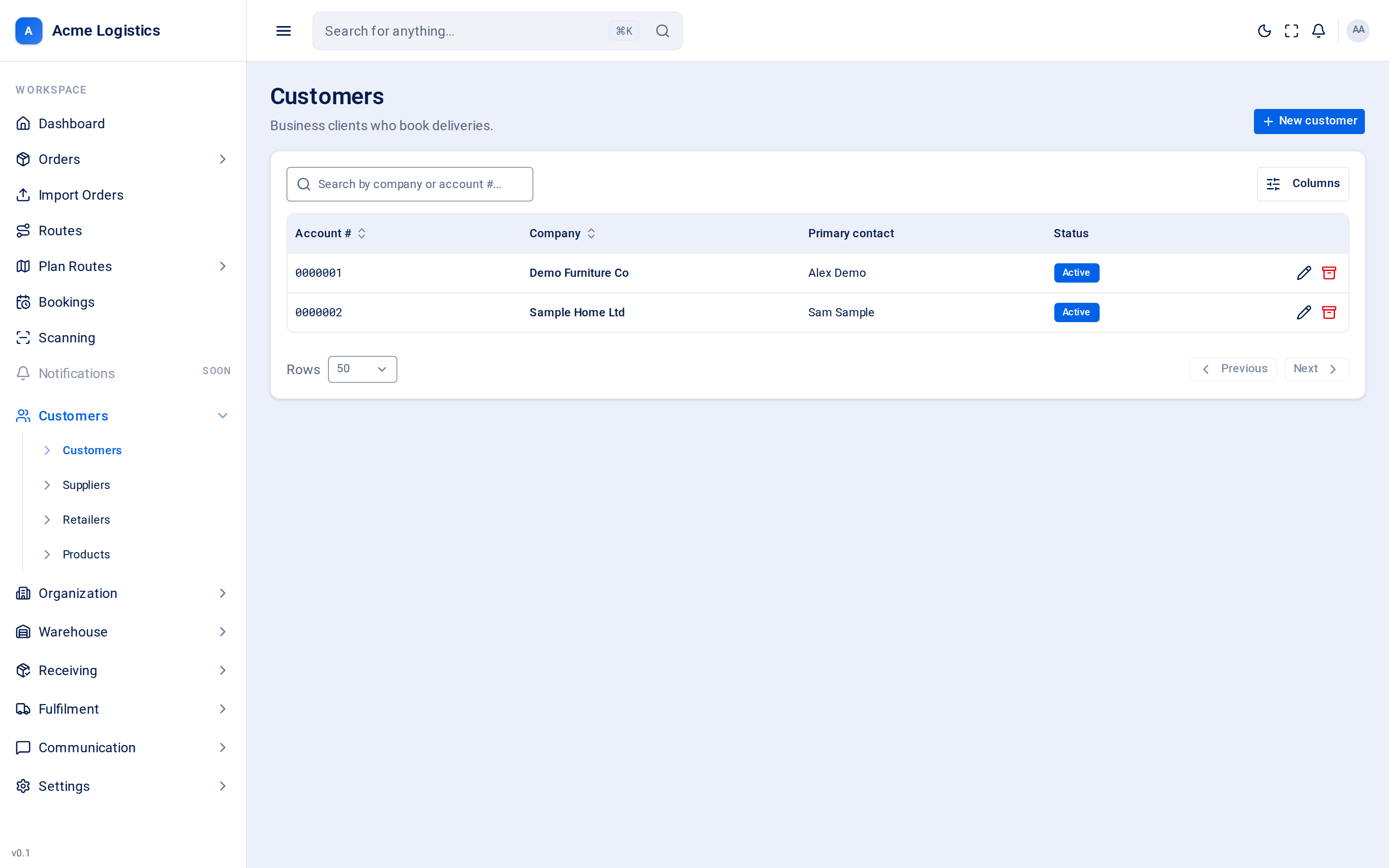
Screenshot coming soonThe customers list with account numbers, company names, primary contacts and status
When you use this
Section titled “When you use this”- Find a customer by name or account number.
- Add a new customer before their first order or manifest.
- Check whether a customer is active or suspended.
- Archive a customer you no longer work with.
Columns
Section titled “Columns”| Column | What it means |
|---|---|
| Account # | The customer’s account number. Tracovy gives each new customer the next 7-digit number (0000001, 0000002 and so on); it cannot be typed or changed. |
| Company | The customer’s company name. Click it to open the customer. |
| Primary contact | The name of the customer’s first contact with the role Primary, or “-” if there is none. |
| Status | Active, or Suspended when the account has been switched off. |
You can sort by account number and company, and hide columns you do not need with the table’s column menu.
Buttons and actions
Section titled “Buttons and actions”| Action | What it does |
|---|---|
| Search by company or account #… | Narrows the list as you type. |
| New customer | Opens the new customer form. |
| Edit (row menu) | Opens the customer’s details. Clicking the company name does the same. |
| Archive (row menu) | Archives the customer straight away - there is no “are you sure” step. See the caution below. |
Statuses
Section titled “Statuses”| Status | What it means |
|---|---|
| Active | Normal. The customer’s API keys work and their portal users can sign in. |
| Suspended | The account is switched off. The customer’s systems are refused by the public API and their portal users cannot sign in. The customer and their history stay in Tracovy. Suspend and reactivate from the customer’s own page. |
Tips and common mistakes
Section titled “Tips and common mistakes”- Search for the account number when two customers have similar names.
- A customer with “-” under Primary contact has no primary contact yet. Add one on the customer’s Contacts tab so your team knows who to call.